22 Jan 2026
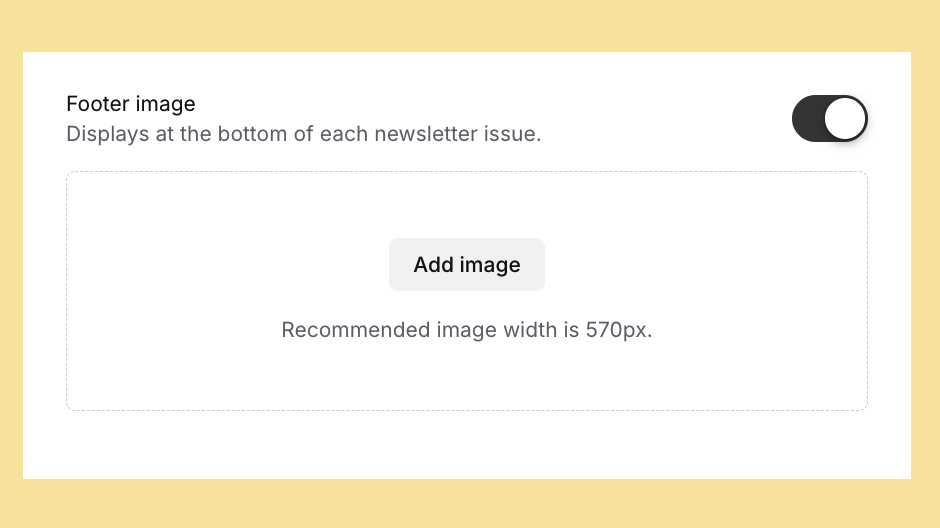
Each publication can display a footer image.
Add a footer image to a publication by:
A publication's footer image displays at the bottom of newsletters, including email newsletters and the Bundlebird Reader.
The footer image will display in the Bundlebird Reader for all issues of a publication, including issues published prior to the footer image being added to the publication. Email newsletters of previous issues of a publication will be unaffected.
Many organisations have a banner graphic they wish to display in each issue of a publication – without needing to include a post. The footer image can be used to display sponsors, affiliations or professional memberships.