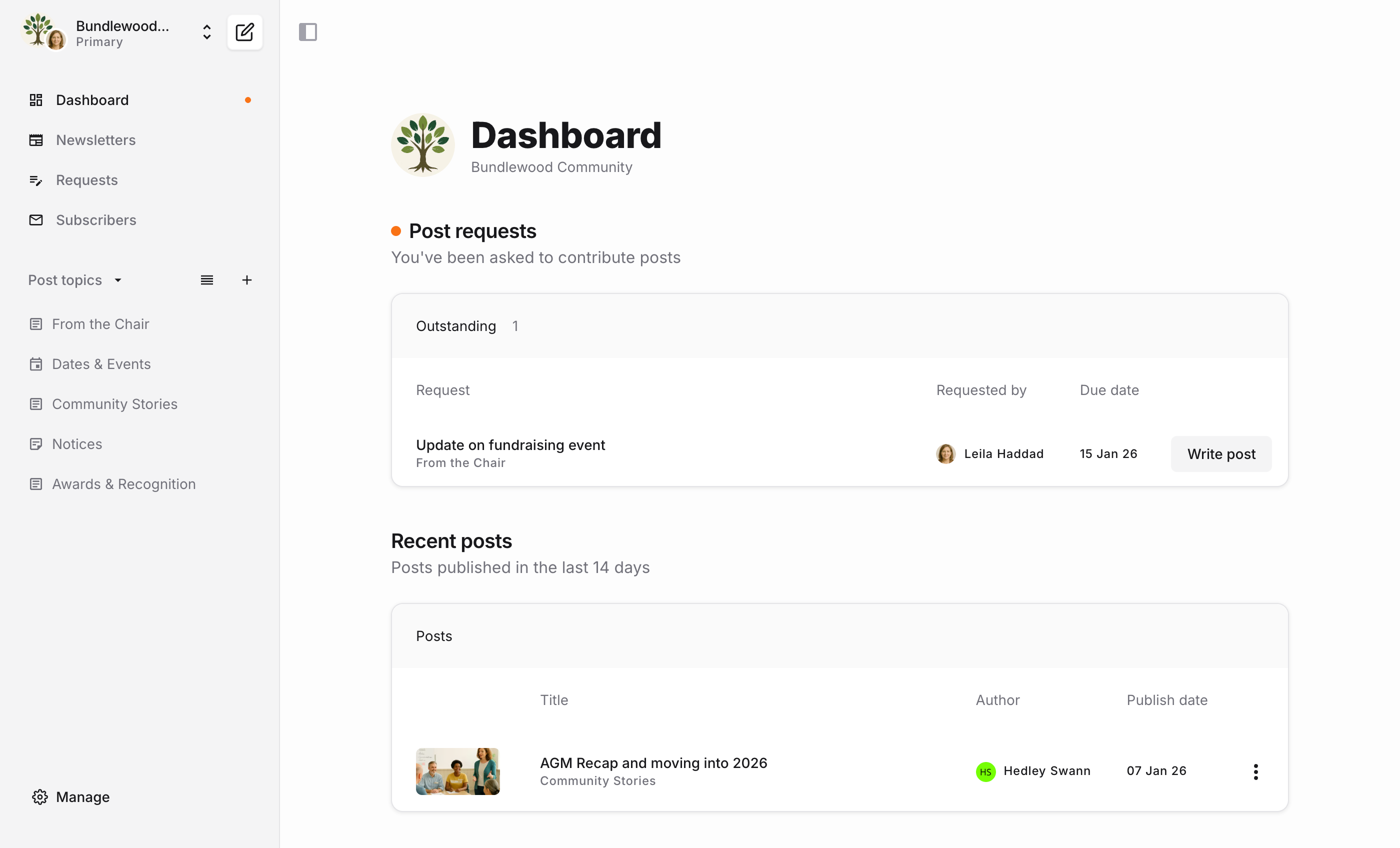
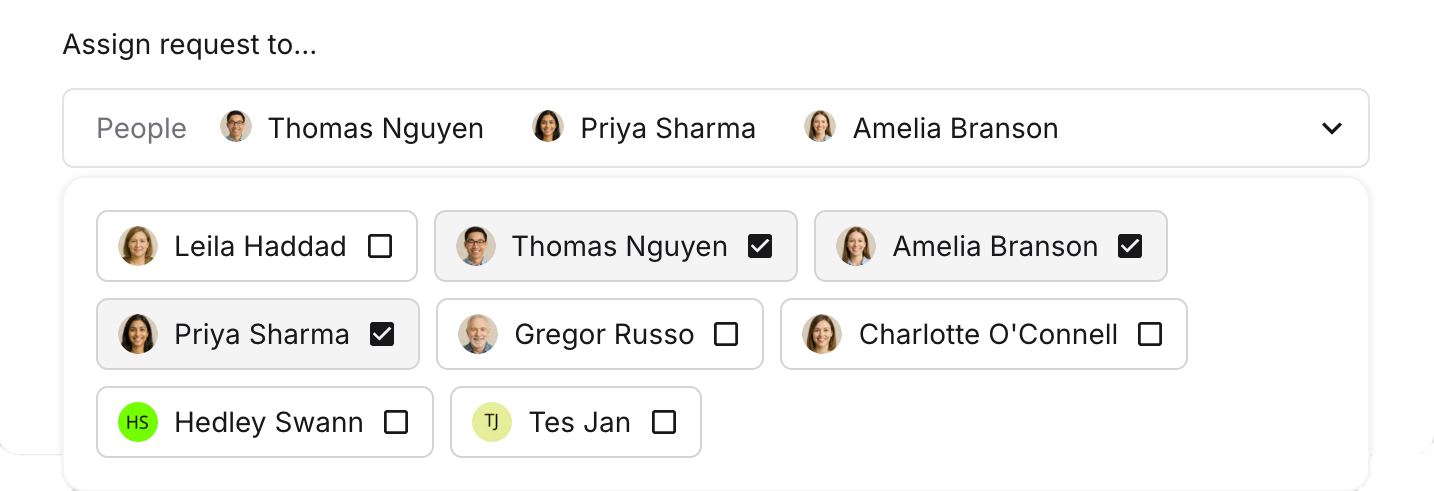
Invite your team to collaborate on Bundlebird and send post requests so they know what to contribute and when. Set a due date, leave notes, and assign it to the right people. Done.
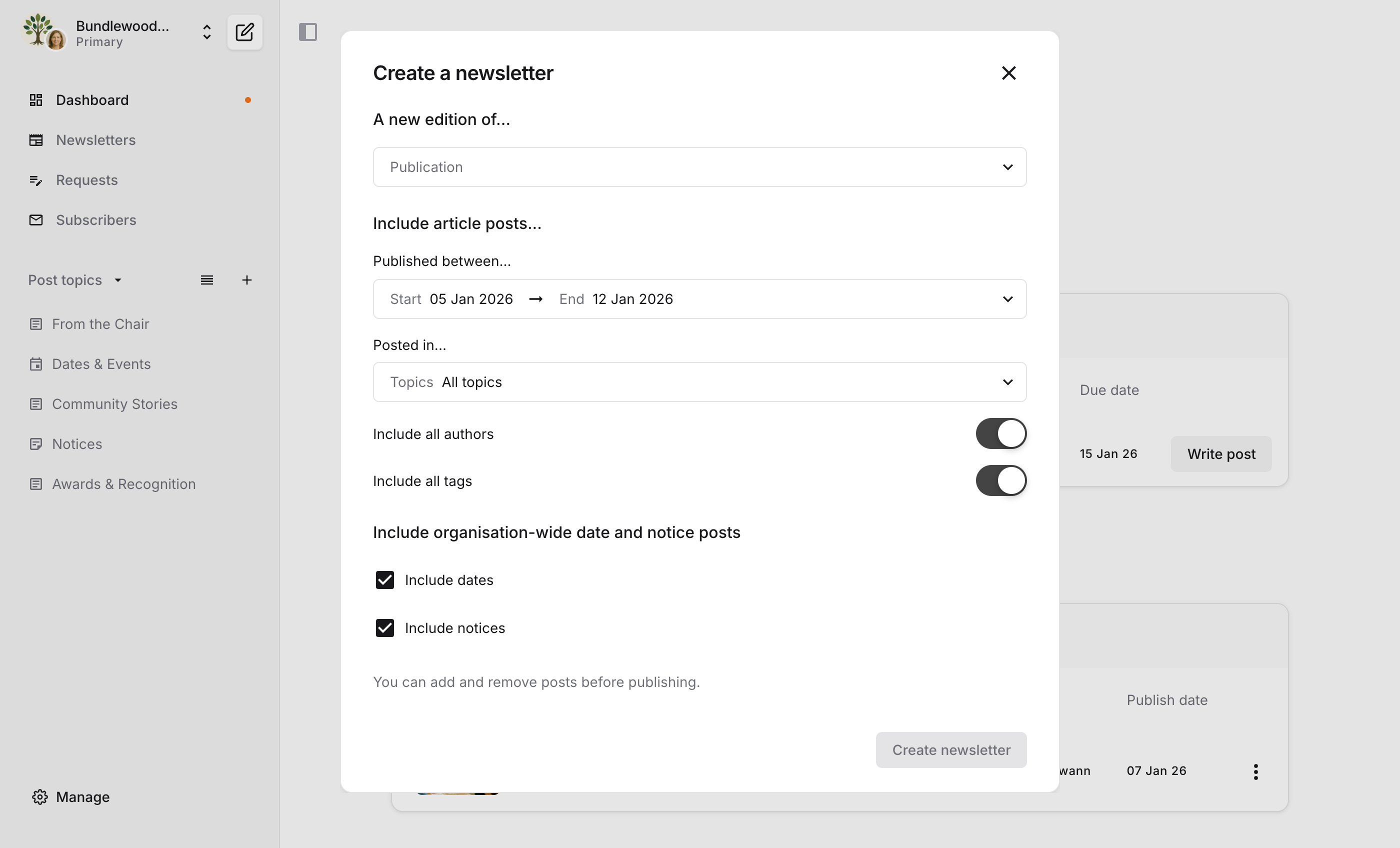
Reformatting emails and documents into usable newsletter content every week? In Bundlebird, you'll create posts. That means everything is in the right format from the beginning. Posts can be articles, dates and events, and notices (those bits of content you want in every newsletter). Include text, images, lists, attachments – everything you need to engage your community.
Organise newsletter posts with Topics. Topics form the sections of your newsletters, like "From the Chairperson", "Events", and "Reminders".
Increase engagement with Tags. Tags are displayed in newsletters, so readers can quickly scan posts for the content most relevant to them.
Hate long emails? Your community does too. The Bundlebird Reader turns each newsletter into a mini-website, so your content is more accessible across devices.
Send newsletters to just the right people. Import contacts and subscribe them to one or more lists. When publishing, choose which lists should receive your newsletter.
Newsletter Engagement Score gives you deeper insight into how often subscribers read your newsletter.

